![H&D Final new logo HORIZONTAL lockups-05-1.png]](https://support.hypeanddexter.com/hs-fs/hubfs/H%26D%20Final%20new%20logo%20HORIZONTAL%20lockups-05-1.png?height=38&name=H%26D%20Final%20new%20logo%20HORIZONTAL%20lockups-05-1.png)
To add an user into your Facebook Ad Account, please follow these steps:
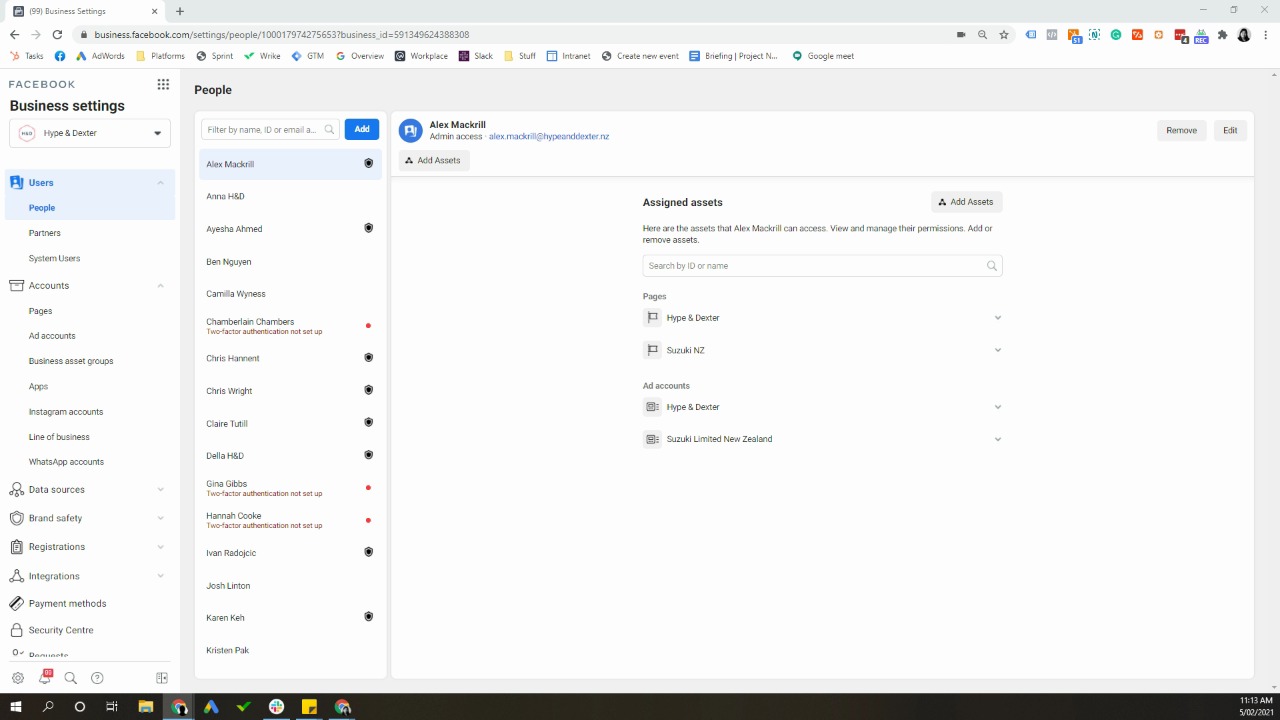
- go to business.facebook.com
- Go to your business ad account
- On the left handside, go to Business settings
- Under users, click on people
- click "Add" and enter email address (Social.UKCA@avidlyagency.com, daniela.morales@avidlyagency.com & Mary.walker@avidlyagency.com) and click on admin access and click next
- On the left handside click on Pages - click on your page name - on the right hand column, turn on manage page access
- On the left handside click Ad account - click on ad account name - turn on manage ad account
- On the left handside click pixels - click on pixel name - turn on manage pixel
- Once ready, click on invite and it will send me an invite into your ad account on Facebook.
Below is a video to help you